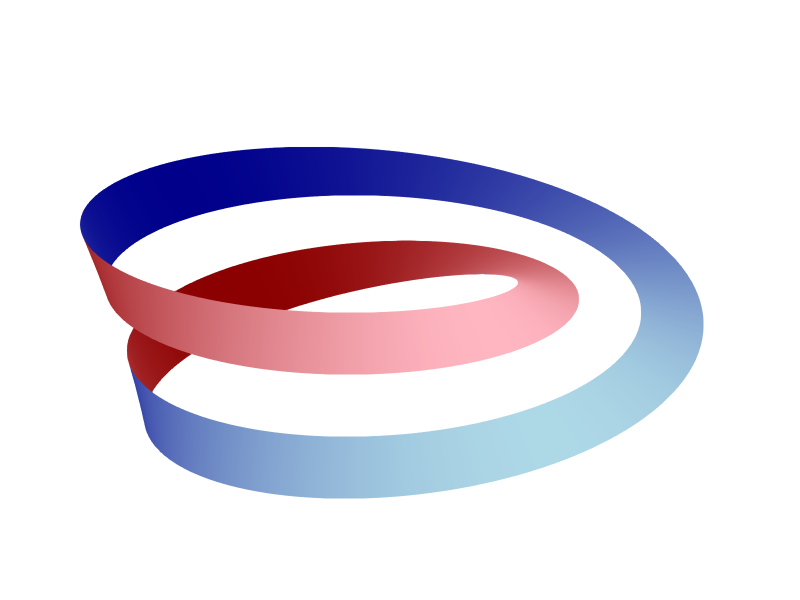
We are tasked with visualizing the process of cutting a Möbius strip in half, and color the two sides with different colors using Makie.jl, a powerful plotting library in Julia.
We will use the following parameterization of the Möbius strip:
$$ \begin{align*}x&=\left(r+(2-v)\cos\frac{u}{2}\right)\cos\,u\\y&=\left(r+(2-v)\cos\frac{u}{2}\right)\sin\,u\\z&=(2-v)\sin\frac{u}{2}\end{align*} $$where $0\leq v \leq 2$, $0\leq u \leq 4\pi$ and $r$ controls the size. It has normal vector
$$ \begin{pmatrix} \frac12\left(r\sin\frac{u}{2}-r\sin\frac{3u}{2}-2(v-2)\sin\,u\sin^2\frac{u}{2}\right) \\ \frac12\left((v-2)(\sin^2 u+\cos\,u)-2r\sin\frac{u}{2} \sin\,u\right) \\ \left(r-(v-2)\cos\frac{u}{2}\right)\cos\frac{u}{2} \end{pmatrix}. $$To cut the strip, we limit $v \leq v_{cut}$, where $v_{cut}$ is a parameter that we will vary from $0$ to $2$. When $v_{cut} = 2$, we have the full strip.
Preliminaries
The following code is tested in Julia 1.11.6 with Makie 0.24.6. We will be using the GLMakie backend for fast and interactive 3D rendering (see Makie Docs for installation instructions).
Problem Setup
|
|
Simple Surface Plot
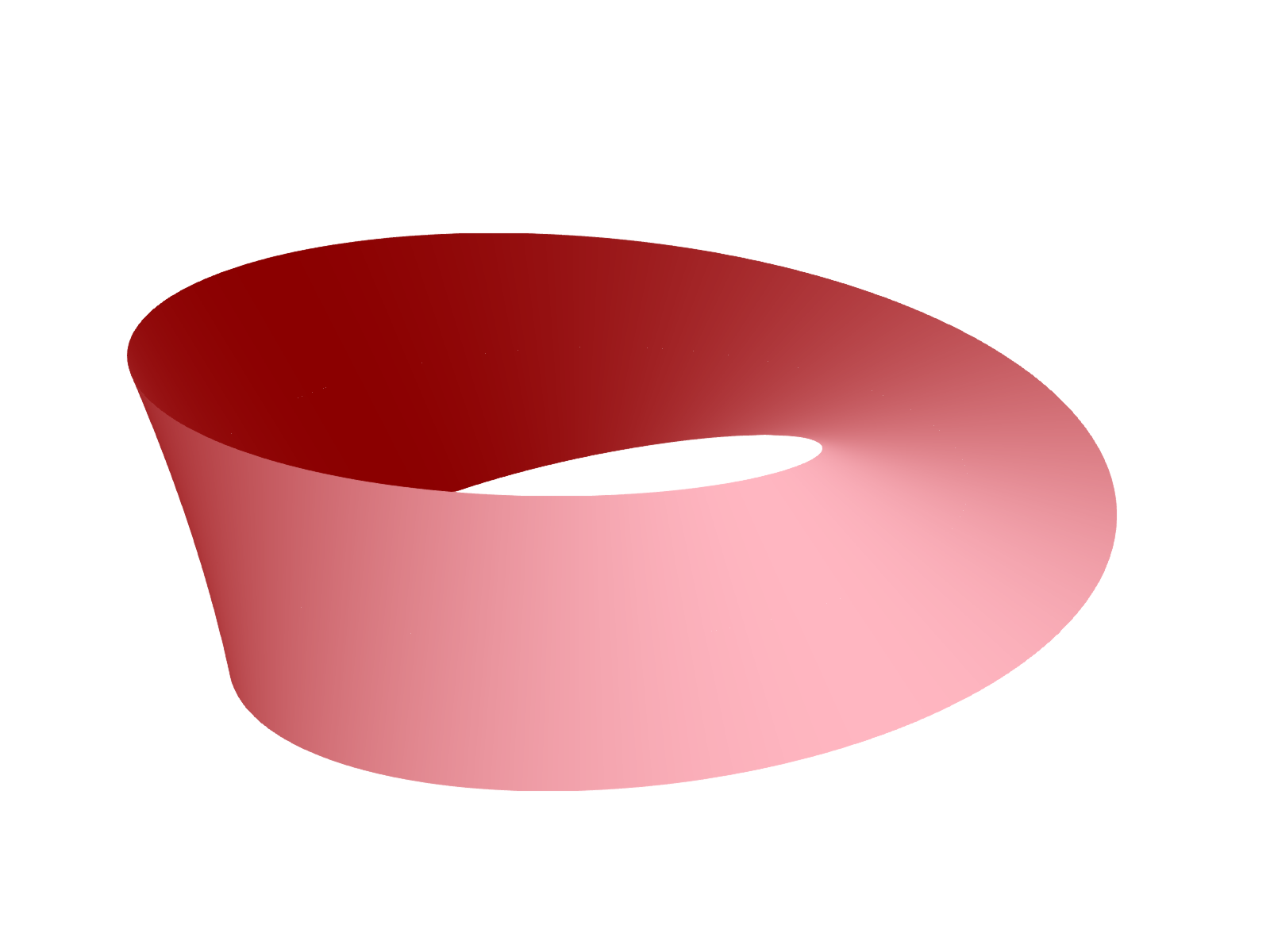
We will plot the full Möbius strip first with minimal styling.
|
|
results in:
Cutting the Strip
To cut the strip, modify the range of v to go from 0 to v_cut.
|
|
results in:

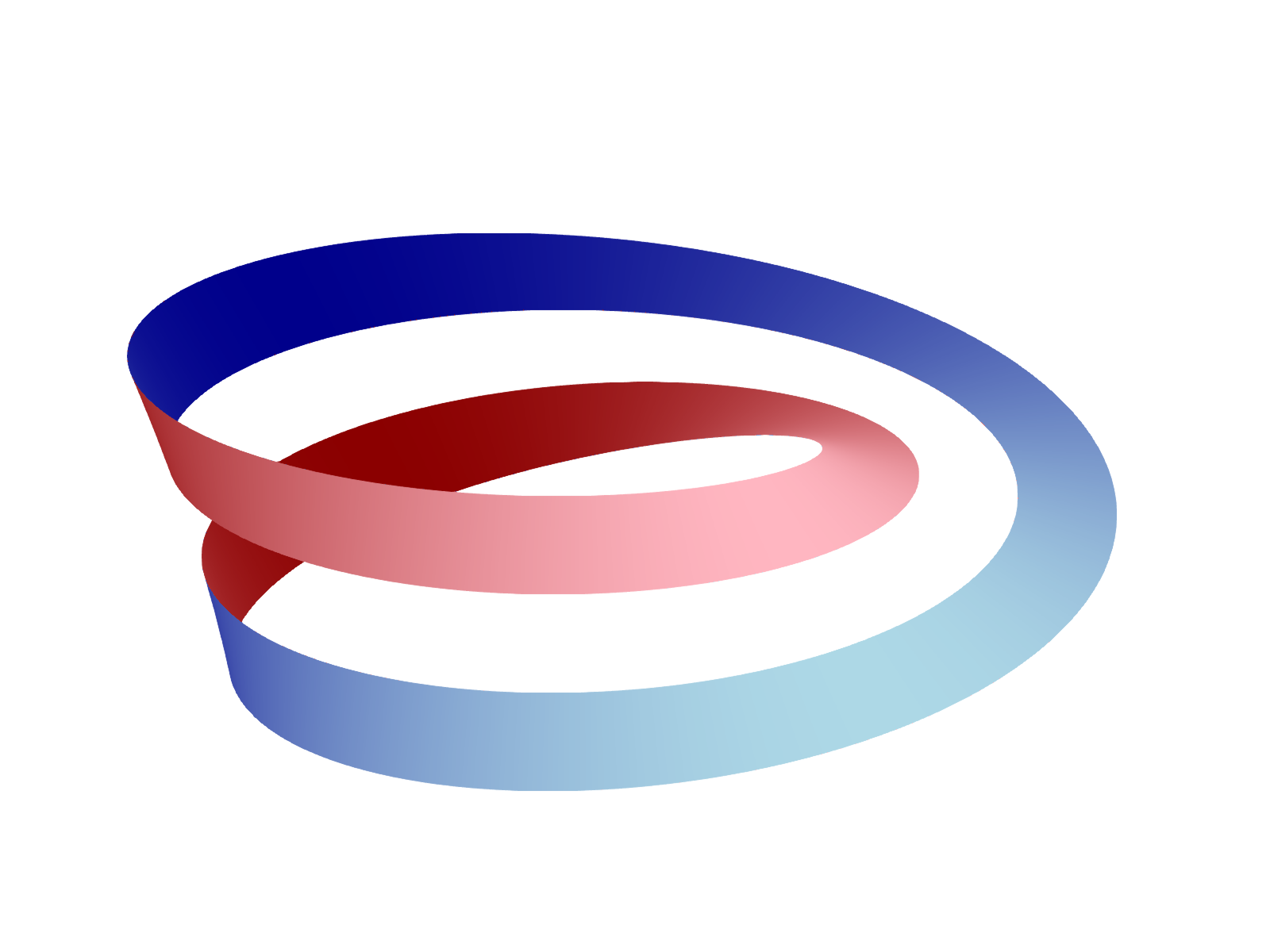
Coloring the Two Sides
After cutting, the strip has two sides (orientable). We can color them differently based on whether the normal vector is pointing towards or away from the viewer. In fact, this is fairly simple to do in raw openGL with custom shaders, but GLMakie does not support this level of customization. Instead, we will use a workaround by plotting two surfaces with slightly offset along the normal vector. Add the following code after the surface! call above.
|
|
results in:
Animation
Finally, we can animate by rotating the view.